Guides
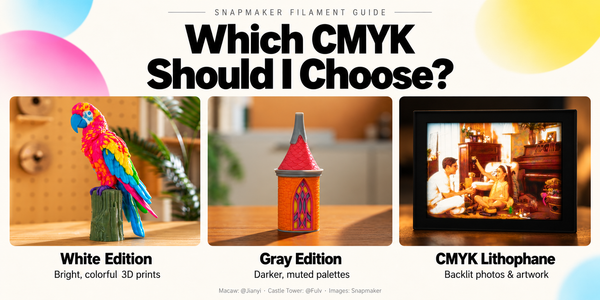
Which CMYK Filament Should I Choose? A Guide to Snapmaker’s Three Bundles
White Edition, Gray Edition, or CMYK Lithophane? Compare Snapmaker’s three filament bundles and choose the right one for colorful models or backlit photos.

Guides
White Edition, Gray Edition, or CMYK Lithophane? Compare Snapmaker’s three filament bundles and choose the right one for colorful models or backlit photos.
Guides
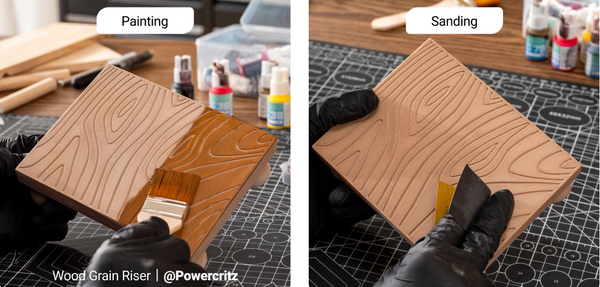
Let’s be honest: peeling a fresh print off the build plate is incredibly satisfying, but it’s rarely the finish line. Fresh off the printer, parts often suffer from visible layer lines, rough support scars, or lack the mechanical strength required for functional, real-world applications. Bridging the gap
Guides
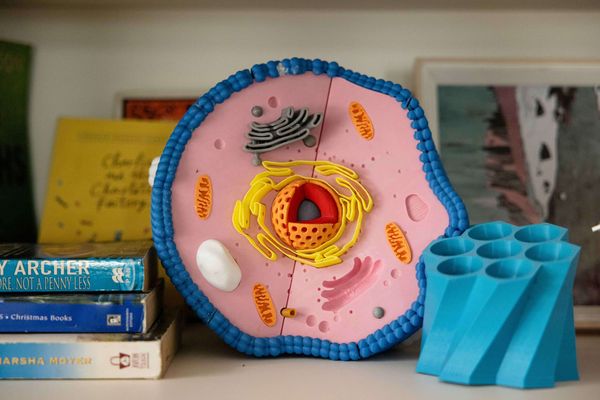
Managing a 3D printing lab across a school district requires balancing technical capability with classroom realities. When dozens of students need to complete design projects before a term deadline, print throughput, network security policies, and student safety immediately dictate which hardware will succeed and which will sit idle. Selecting an
Guides
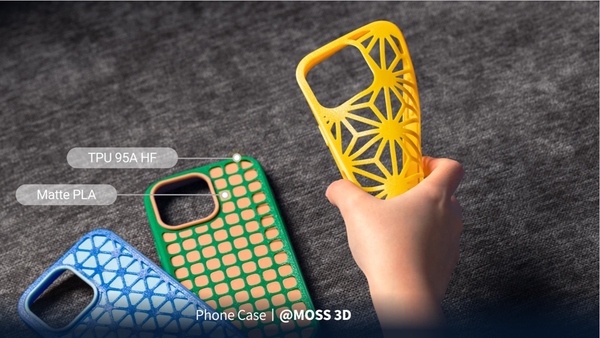
If you have ever tried to print a flexible phone case or a custom rubber gasket, you probably know the frustration. Many makers actively avoid flexible filaments because they are notorious for causing jammed extruders, severe stringing, and completely failed prints. It can be incredibly intimidating to spend money on
Guides
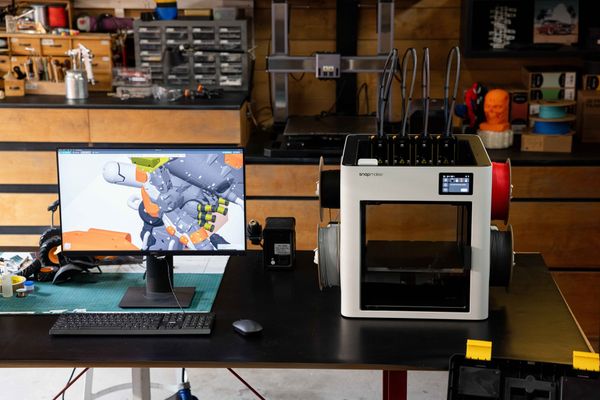
If you spend enough time staring at the hypnotic dance of a 3D printer, it is easy to get mesmerized entirely by the hardware. Extruders pushing molten plastic, stepper motors humming, and Cartesian belts flying across the gantry. But the cold, hard truth? Hardware only sets your machine's
Guides
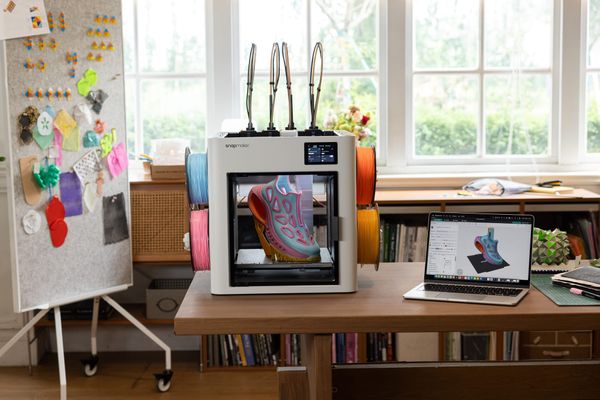
Diving into 3D printing can feel overwhelming at first. You download an exciting 3D design file, fire up your new printer, and immediately run into a wall of jargon: STLs, G-code, and "slicing." It can be frustrating to feel like you need an engineering degree just to
Guides
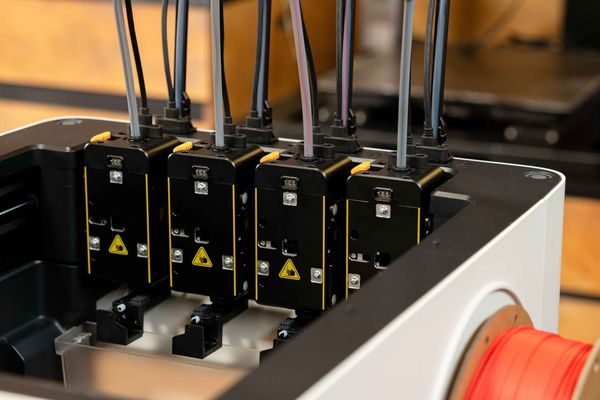
It can be frustrating when you try to speed up your 3D printer only to end up with messy prints. At higher speeds, traditional printers often struggle with visible surface ripples, rounded corners, or violent vibrations that rattle the entire frame. If you have ever felt held back by your
Guides
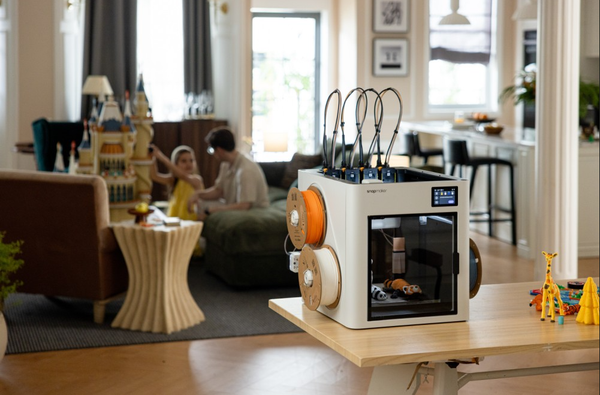
A 3D printer for home use typically costs between $150 and $1,000, depending on the features, speed, and materials it supports. Entry-level beginner models usually start around $200, while feature-rich machines with faster speeds, fully enclosed designs, and multi-color printing capabilities generally range from $500 to
Guides
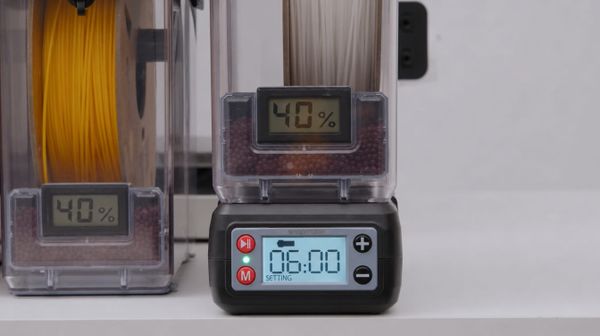
If you have ever accidentally left your filament dryer or food dehydrator running overnight, you have likely felt the sudden panic of wondering if you just ruined a brand-new spool of material. It is one of the most common anxieties in 3D printing: Is it possible to "over-
Guides
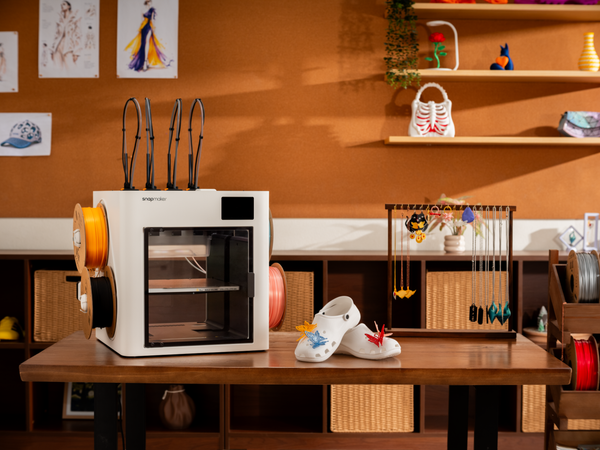
If you have spent any time browsing 3D printing communities lately, you have likely seen the trend: makers bypassing the shoe store and printing their own custom footwear directly from their desktops. It is entirely possible to create beautiful, fully customized clogs complete with vibrant, snap-on charms. It is
Guides
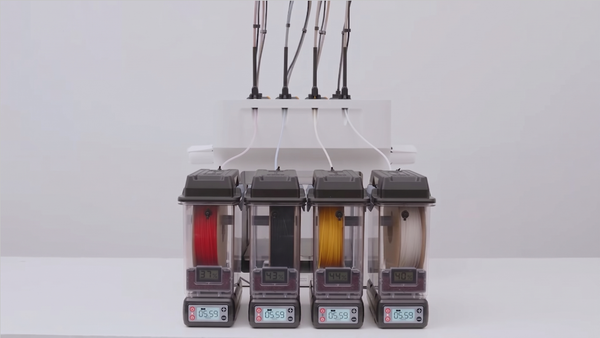
It can be incredibly frustrating when a perfectly dialed-in 3D printer suddenly starts producing messy, failed prints. Often, the culprit isn't a clogged nozzle or an unlevel bed, but rather the invisible enemy of 3D printing: moisture. Filaments are naturally hygroscopic, meaning they absorb water from the
Guides
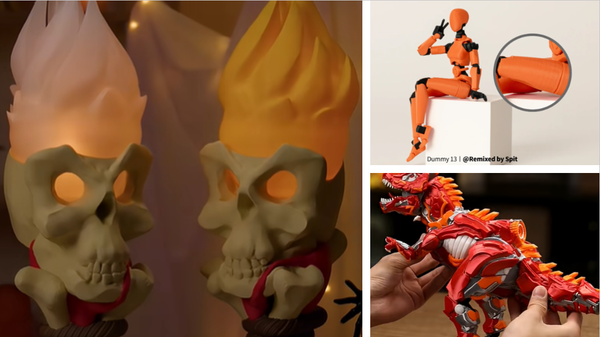
There is a distinct thrill in watching a 3D printer lay down the final layers of a complex skeletal structure. Whether you are aiming for a biologically accurate human skull for a medical study, a posable desk toy, or a massive T-Rex for display, a 3D printed skeleton is