News
Snapmaker Space Beta Is Now Open to All
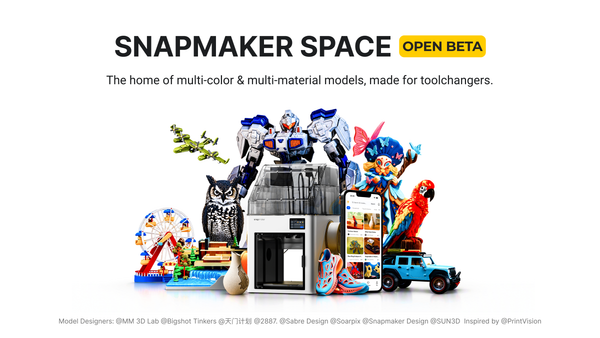
Snapmaker Space is our new 3D model platform, built from the ground up around the Snapmaker U1.


News
Snapmaker Space is our new 3D model platform, built from the ground up around the Snapmaker U1.

September 9's Apple Event introduced iPhone Duo, its first foldable iPhone. Naturally, we were interested in the new hardware. Then we spotted an old friend. Sitting on a table in the background was the Snapmaker Original: the compact 3-in-1 machine that started our story. Apple had
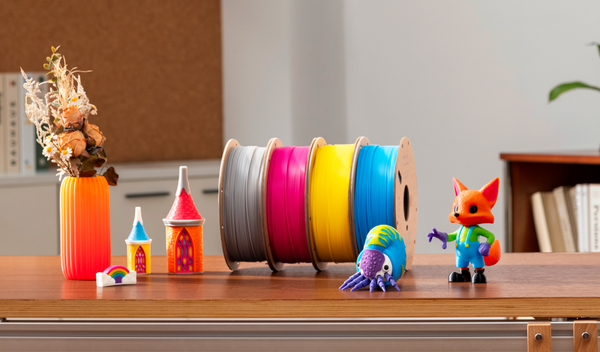
Full Spectrum printing can create a surprisingly wide range of colors from just four filaments. But until now, getting the best results required a little experimentation. Today, we're introducing the Snapmaker PLA Full Spectrum Filament Bundle: four specially developed Cyan, Magenta, Yellow, and Gray (CMYG) filaments calibrated specifically
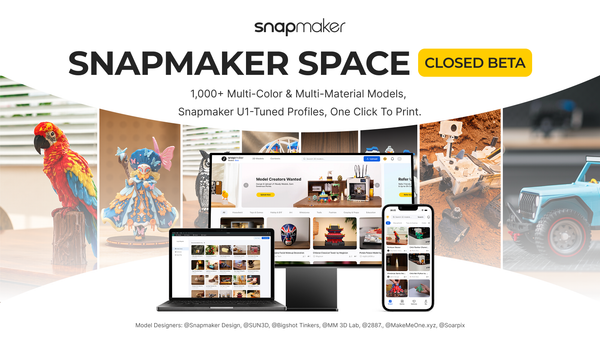
Hey Snapmaker Community, Back in April we launched the Snapmaker Model Library with 30 print-ready models, and said at the time that a larger platform was coming later in the year. That platform, Snapmaker Space, is now in closed beta, and applications are open. This post covers what the
Guides
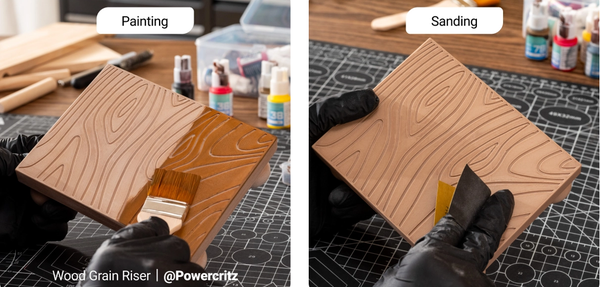
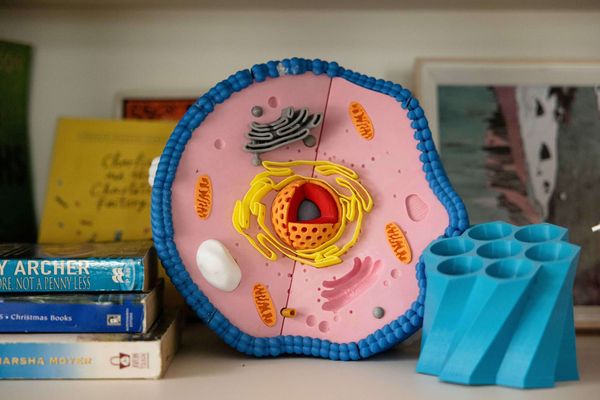
Let’s be honest: peeling a fresh print off the build plate is incredibly satisfying, but it’s rarely the finish line. Fresh off the printer, parts often suffer from visible layer lines, rough support scars, or lack the mechanical strength required for functional, real-world applications. Bridging the gap
Guides
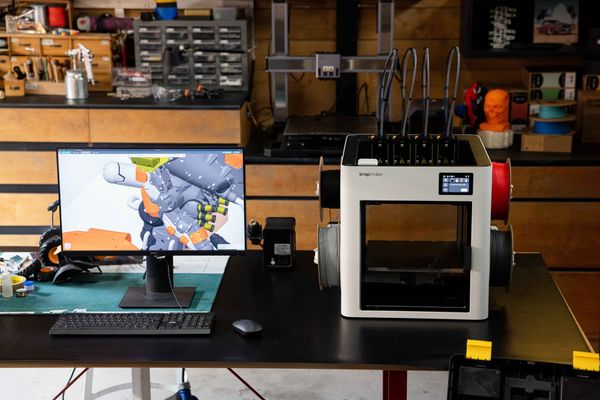
Managing a 3D printing lab across a school district requires balancing technical capability with classroom realities. When dozens of students need to complete design projects before a term deadline, print throughput, network security policies, and student safety immediately dictate which hardware will succeed and which will sit idle. Selecting an
Guides
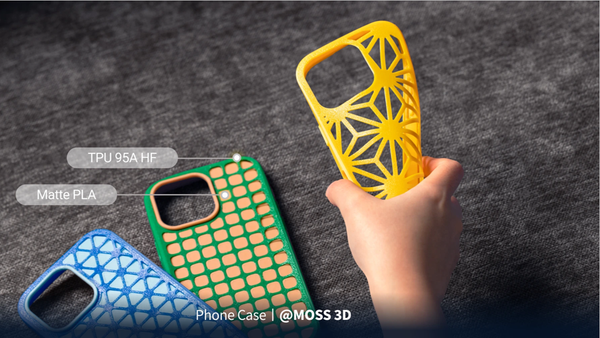
If you have ever tried to print a flexible phone case or a custom rubber gasket, you probably know the frustration. Many makers actively avoid flexible filaments because they are notorious for causing jammed extruders, severe stringing, and completely failed prints. It can be incredibly intimidating to spend money on
Guides
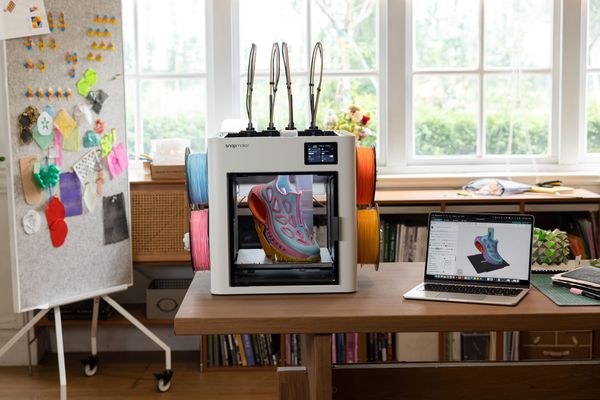
If you spend enough time staring at the hypnotic dance of a 3D printer, it is easy to get mesmerized entirely by the hardware. Extruders pushing molten plastic, stepper motors humming, and Cartesian belts flying across the gantry. But the cold, hard truth? Hardware only sets your machine's
Guides
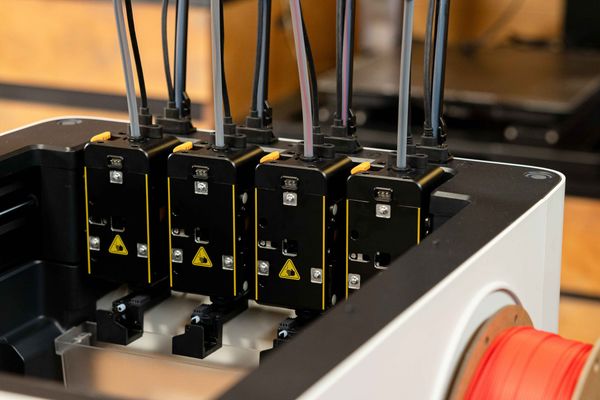
Diving into 3D printing can feel overwhelming at first. You download an exciting 3D design file, fire up your new printer, and immediately run into a wall of jargon: STLs, G-code, and "slicing." It can be frustrating to feel like you need an engineering degree just to
Guides
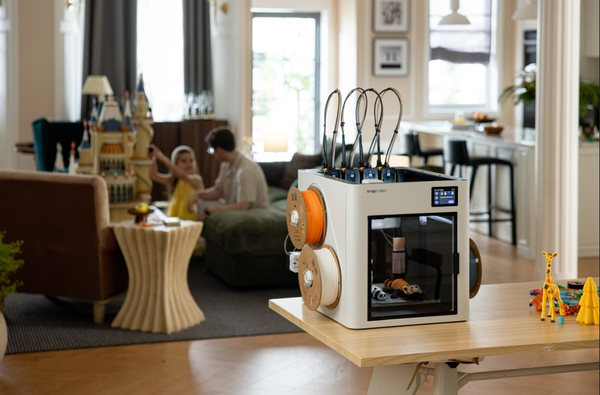
It can be frustrating when you try to speed up your 3D printer only to end up with messy prints. At higher speeds, traditional printers often struggle with visible surface ripples, rounded corners, or violent vibrations that rattle the entire frame. If you have ever felt held back by your
Guides
A 3D printer for home use typically costs between $150 and $1,000, depending on the features, speed, and materials it supports. Entry-level beginner models usually start around $200, while feature-rich machines with faster speeds, fully enclosed designs, and multi-color printing capabilities generally range from $500 to
Guides
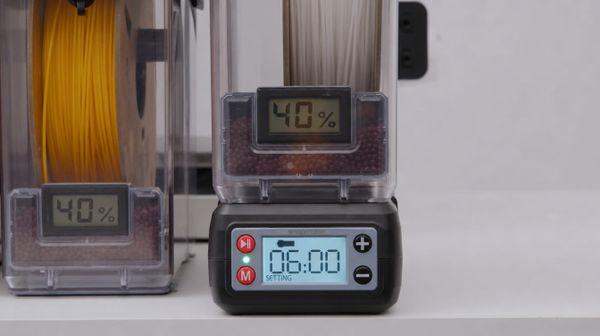
If you have ever accidentally left your filament dryer or food dehydrator running overnight, you have likely felt the sudden panic of wondering if you just ruined a brand-new spool of material. It is one of the most common anxieties in 3D printing: Is it possible to "over-