What Is a 3D Printer Extruder: Your Key to Better Prints

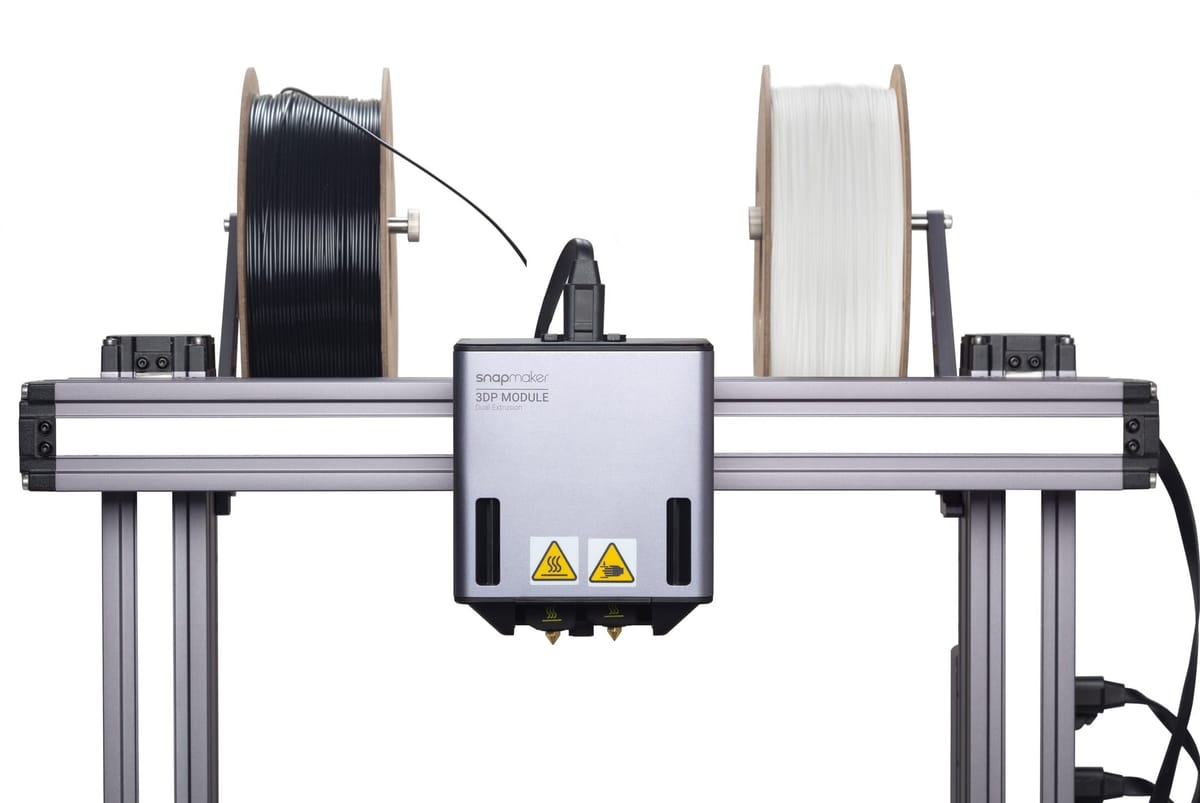
Every 3D printed masterpiece starts with a spool of filament. But how does a solid strand of plastic transform into a complex geometric structure? The secret lies in the Printhead system, specifically the Extruder and the Hotend. Think of them as the muscle and the heart of your 3D printer.
In this guide, we’ll decode how these components work, compare Direct Drive vs. Bowden systems, and help you choose the right setup for your 3D printing projects.
What Is a 3D Printer Extruder?
In casual conversation, people often call the entire moving head the "Extruder," but technically, the Printhead (or Toolhead) consists of two distinct sub-systems working together:

1. The Extruder (The "Cold End")
This is the feeder. It sits before the heater and consists of a motor and drive gears. Its job is to grip the solid filament and push it forward with precise force.
- Key Function: Pushing filament in and pulling it back (retraction) to prevent stringing.
2. The Hot End (The "Melting Zone")
This is where the magic happens. The filament is pushed into this heated chamber, where it transitions from solid to liquid.
- Heater Block: Heats up to temperatures ranging from 190°C to 300°C+.
- Nozzle: The tiny tip (usually 0.4mm) that determines the resolution of your print. The material extrudes (flows) through here onto the build plate.
Without a well-calibrated extruder system, your printer cannot deposit layers accurately, leading to failed prints.
Types of Extruder Setups: Direct Drive vs. Bowden
There are two main ways to arrange the extruder motor and the hot end. Choosing the right one depends on what you want to print.
1. Direct Drive Extruder
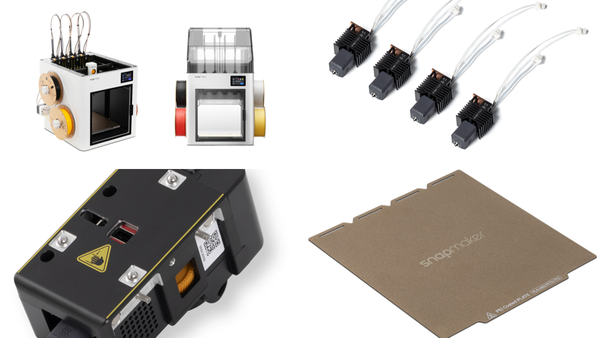
In a Direct Drive system, the extruder motor is mounted directly on top of the hot end. This is the configuration used in most Snapmaker modules.
- How it works: The distance between the drive gears and the nozzle is very short.
- Pros:
- Better Control: Because the path is short, the printer has precise control over the filament.
- Essential for Flexibles: It is the best choice for printing soft materials like TPU, which can buckle or jam in longer tubes.
- Less Stringing: Retraction is faster and more responsive.
- Cons: It adds slightly more weight to the moving printhead, though modern motors have minimized this issue.
2. Bowden Extruder
In a Bowden system, the motor is mounted on the printer's frame. The filament is pushed through a long PTFE tube to reach the hot end.
- How it works: The printhead is lighter because it doesn't carry the motor.
- Pros: Lightweight movement can theoretically allow for faster travel speeds on older frame designs.
- Cons:
- Less Precision: There is often "slack" or friction inside the long tube.
- Difficult for Flexibles: Trying to push soft TPU through a long tube is like trying to push a wet noodle—it often leads to jams.
Snapmaker’s Take: We prioritize precision and material compatibility, which is why our 3D Printing Modules utilize a robust Direct Drive design.
How Extruders Impact Print Quality
The extruder does more than just push plastic; it determines the consistency of your flow.
- Under-extrusion: If the gears slip or the motor skips, not enough plastic comes out. This results in gaps, weak layers, or a spongy texture.
- Over-extrusion: If too much material is pushed, your prints will look blobby, and dimensions will be inaccurate.
- Retraction Issues: If the extruder cannot pull the filament back quickly enough when moving between sections, you will see "stringing" (ugly cobwebs) all over your model.
A high-quality extruder ensures that the right amount of material flows at exactly the right time.
Choosing the Right Setup for Your Projects
Different projects require different approaches. Here is how to pick the right configuration:
Think about your material:
- PLA / PETG: These standard materials work well on most printers, but a Direct Drive extruder ensures sharper corners and less stringing.
- TPU (Flexible): Always use a Direct Drive extruder.
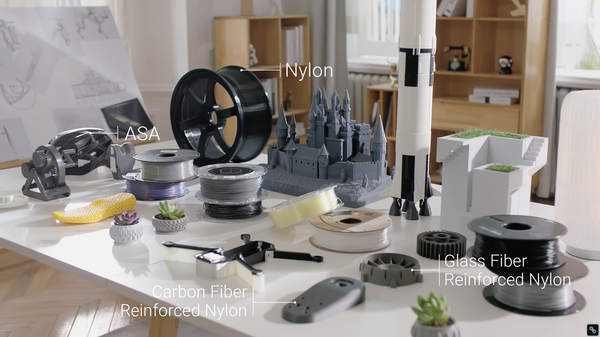
- Composite Materials (Carbon Fiber/Glass Fiber): These are abrasive. You will need a hardened steel nozzle to prevent wear.
Think about complexity (Dual Extrusion)
- Single Extrusion: Great for simple shapes. Supports must be broken off manually, which can leave scars.
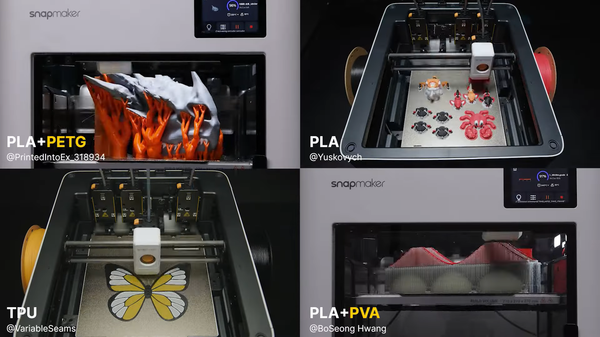
- Dual Extrusion: Snapmaker’s Dual Extrusion Module allows you to load two filaments at once. Print the model in PLA and the supports in PVA (water-soluble material). After printing, just soak the model in water, and the supports vanish!
Think about Speed vs. Detail
- Small, intricate parts: Use a standard 0.4mm nozzle or even a 0.2mm nozzle for high detail.
- Large, structural parts: Swap to a 0.6mm or 0.8mm nozzle. This allows more plastic to flow at once, significantly reducing print time for big projects.
Conclusion

The extruder system is the defining component of your 3D printer. It dictates what materials you can use, how fast you can print, and how clean your final result will look.
- Want to print soft phone cases? You need Direct Drive.
- Want to print complex geometries with zero scarring? You need Dual Extrusion.
- Want to switch between these modes easily?
This is where Snapmaker shines. With our modular design, you can easily swap toolheads to fit your project. Whether you need high-speed single extrusion or complex dual-material capabilities, you always have the right tool for the job.
Now that you understand the mechanics behind the machine, you are ready to slice, print, and create with confidence!