Can You Sell 3D Printed Items? A Guide to Legally Profiting from Your Prints
Selling 3D prints legally requires checking CC licenses, avoiding copyrighted fan art, purchasing commercial designer rights, pricing with full cost calculations, and using efficient 3D printers to cut waste for steady profits.

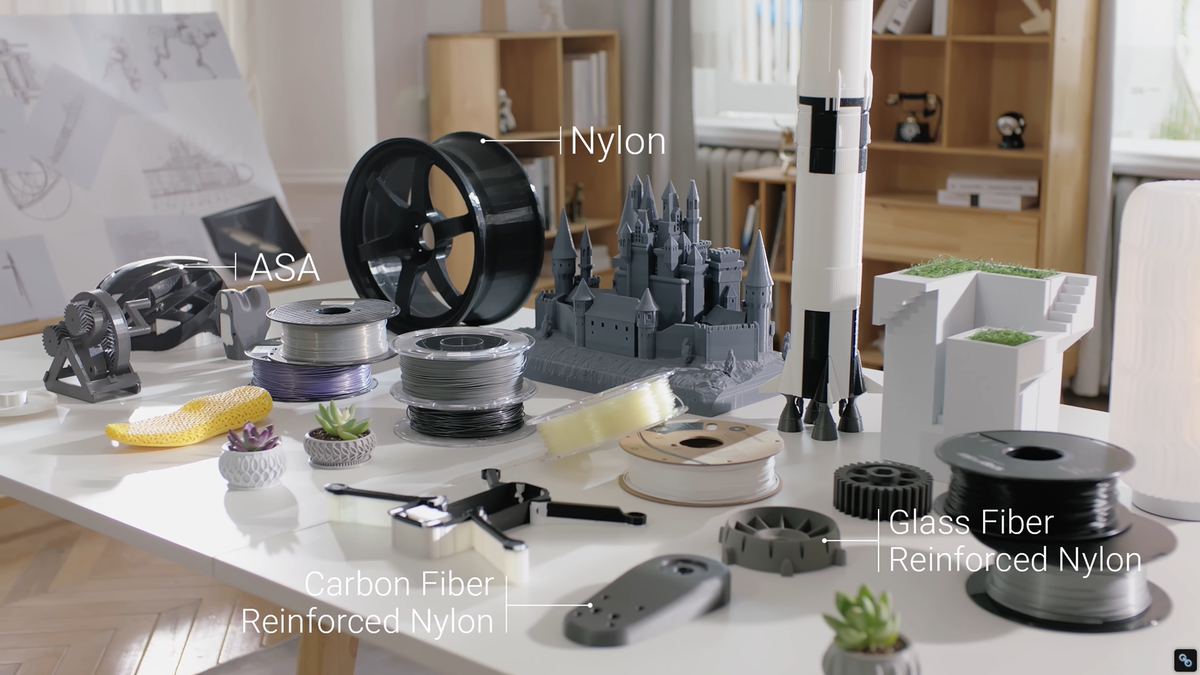
It is incredibly satisfying to watch your 3D printer lay down a flawless first layer, and even more thrilling to realize that your hobby could actually make you money. If you have been wondering if you can turn your 3D printing setup into a side hustle or explore full-fledged 3D printing business ideas, the short answer is: Yes, absolutely.
However, the transition from hobbyist to business owner comes with a learning curve. The 3D printing community is filled with incredible, free designs, which often leads to confusion about who owns what and what you are legally allowed to monetize.
It can be frustrating to navigate the gray areas of digital file ownership, but doing it right is crucial to protecting your business. Let’s clear the air, break down the legalities, and explore how to build a profitable 3D printing business from the ground up.
How to Sell 3D Prints Legally (Avoiding Common Pitfalls)
Before you list a single item online, you need to be absolutely certain you have the legal right to sell it. Intellectual Property (IP) law can seem intimidating, but for 3D printing, it generally boils down to understanding three core concepts.
Understanding Creative Commons Licenses
Most 3D models found on popular repositories like Thingiverse or Printables are distributed under Creative Commons (CC) licenses. These licenses dictate exactly how you can use a designer's file.
When looking to sell prints, you must pay close attention to the specific license tags:
- Allowed to Sell: Look for standard CC BY (Attribution) licenses. This means you can print and sell the item, provided you give the original designer credit in your listing.
- DO NOT SELL (The NC Tag): If a file has a CC BY-NC (Non-Commercial) tag, you cannot legally sell the physical prints of that file. This is the most common pitfall for beginners.
- ShareAlike (The SA Tag): If a file has a CC BY-SA tag, you can sell the prints, but if you remix or alter the digital file, you must share your new file under the exact same open license.
The Dangers of Copyright and Fan Art

It is highly tempting to print and sell a popular character from a trending movie or video game. However, printing Disney, Marvel, Star Wars, or Nintendo characters is a massive legal risk.
Even if you sculpted the 3D model yourself from scratch, the character design is protected by copyright and trademark laws. Selling these prints can result in rapid cease-and-desist letters, getting your online store permanently shut down, or facing legal action from major corporations. Stick to original designs or files where you explicitly own the commercial rights.
How to Get Commercial Rights (Patreon and Merchant Tiers)
If you aren't a 3D modeler yourself, the best and most ethical way to legally sell high-quality prints is by purchasing commercial rights directly from designers.
Many talented 3D artists run Patreons or MyMiniFactory Tribes. They often offer a specific "Merchant Tier" subscription. By paying a monthly fee, you are granted a commercial license to legally print and sell their models for as long as you remain a subscriber. This is a fantastic way to acquire a rotating inventory of premium designs while supporting the artists who create them.
What Are the Best Things to 3D Print and Sell?
Once you have your legal bases covered, the next hurdle is deciding what to sell. While intricate dragons and miniatures are popular, the most profitable items often solve everyday problems.
Household Things to 3D Print and Sell
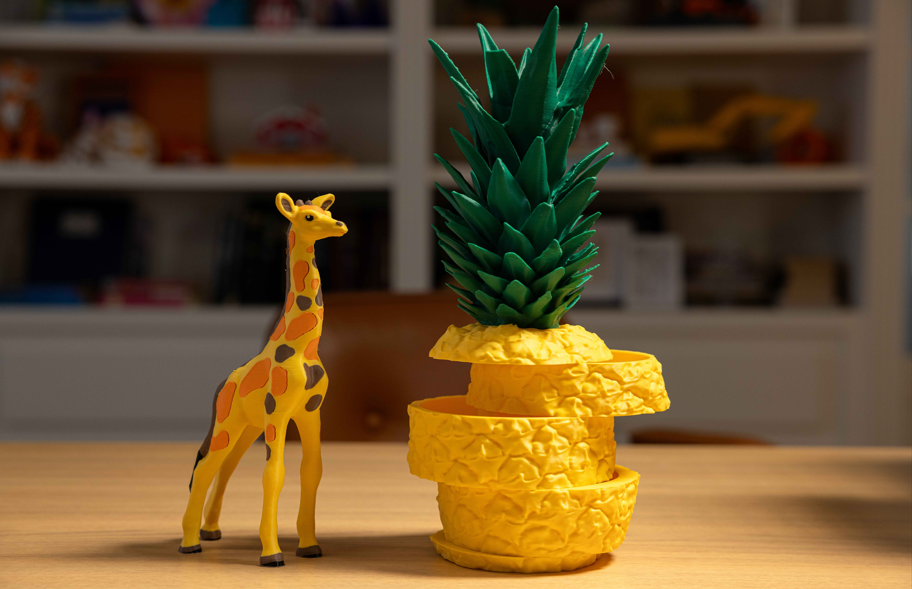
Practical, high-utility items are incredible sellers because they appeal to a massive audience outside of the 3D printing niche. Think about common pain points in a home or office:
- Cable management organizers and under-desk mounts.
- Custom battery dispensers.
- Specialty wall mounts for routers, controllers, or tools.
- Self-watering plant pots.
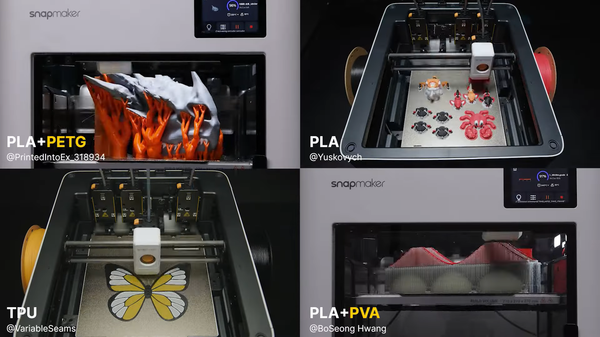
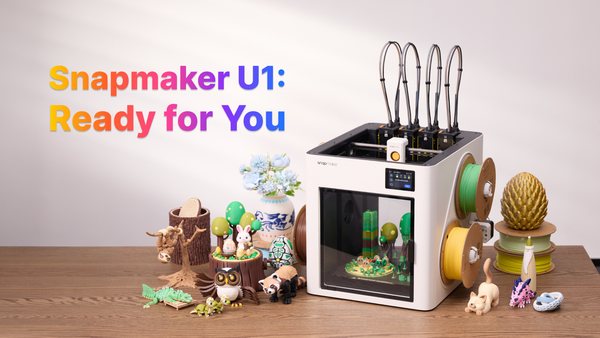
Consumers love products that offer functionality they can't easily find in a big-box store. For example, creating a custom bracket that features a rigid body with flexible, grippy TPU inserts adds massive value. Producing these multi-material items used to be a tedious, manual process, but using a modern tool changer 3D printer—like the four independent extruders on the Snapmaker U1—allows you to seamlessly execute multi-material 3D printing without constantly babysitting the machine for manual filament swaps.
High-Demand Niche Markets and Mixed Media
To truly stand out in a saturated market, look toward specialized niches (like tabletop gaming terrain, cosplay props, or custom auto interior parts) or consider mixing manufacturing mediums.
A product that combines a 3D-printed base with a custom laser-engraved wooden lid or a CNC-machined metal accent instantly feels more premium than a standard plastic print. Utilizing a 3-in-1 machine, like the Snapmaker Artisan, allows a single seller to easily blend 3D printing, laser engraving, and CNC carving to create bespoke, high-ticket items that command much higher prices.
How Much to Sell 3D Prints For: Pricing Your Work
Pricing is where many beginners accidentally undercut themselves. If you just guess a number based on how much the plastic costs, you will likely lose money in the long run.
A Simple Pricing Formula for Beginners
To ensure your 3D printing side hustle is actually profitable, you need to calculate your 3D printing costs accurately using a formula like this:
Material Cost + Electricity + Labor/Post-Processing Time + Machine Wear & Tear = Base Cost.
Once you calculate your Base Cost, multiply it by your desired profit margin (often 2x to 4x) to determine your retail price.
A Note on Protecting Your Profit Margins: When printing multi-color items, traditional filament-changing printers can waste an enormous amount of material on purge towers (pushing out old colors to make room for the new one). This wasted filament is money straight out of your pocket. Using an efficient, tool-swapping system—like the Snapmaker U1’s SnapSwap™, which physically switches pre-loaded toolheads instead of purging a single nozzle—drastically cuts down this waste.
Furthermore, keeping an eye on print failures is vital to your bottom line. Utilizing smart monitoring—like the AI spaghetti-detection feature natively built into the U1's chamber camera—ensures that if a print fails, it is stopped immediately, saving you from waking up to a massive, costly nest of wasted filament.
Ready to Launch? Where to Sell Your 3D Printed Products
Now that you understand the legal landscape, have a plan for acquiring commercial rights, and know how to price your inventory for profit, it is time to open your storefront.
Choosing the right platform is critical to getting your products in front of the right buyers. Whether you want to tap into the massive handmade audience on Etsy, scale up with Amazon, or build your own independent Shopify brand, you need a strategy tailored to your chosen marketplace.
Check out our complete guide on Where to Sell 3D Printed Items: Etsy, Amazon, eBay & Beyond to choose the perfect platform for your new business.